
GovTribe for every team
How GovTribe helps your team
See how contractors, researchers, consultants, and government agencies use GovTribe, and how it can support your team.
Get 2,000 free credits with your trial.
Find your team
Jump to the work your team does every day.
01 / Federal contractors
Find and pursue federal contracts
Find bids that fit, research the buyer and competition, and prepare your response.
Try asking GovTribe AI
“Should we pursue, partner, or pass on [opportunity]? Show the evidence behind your recommendation.”
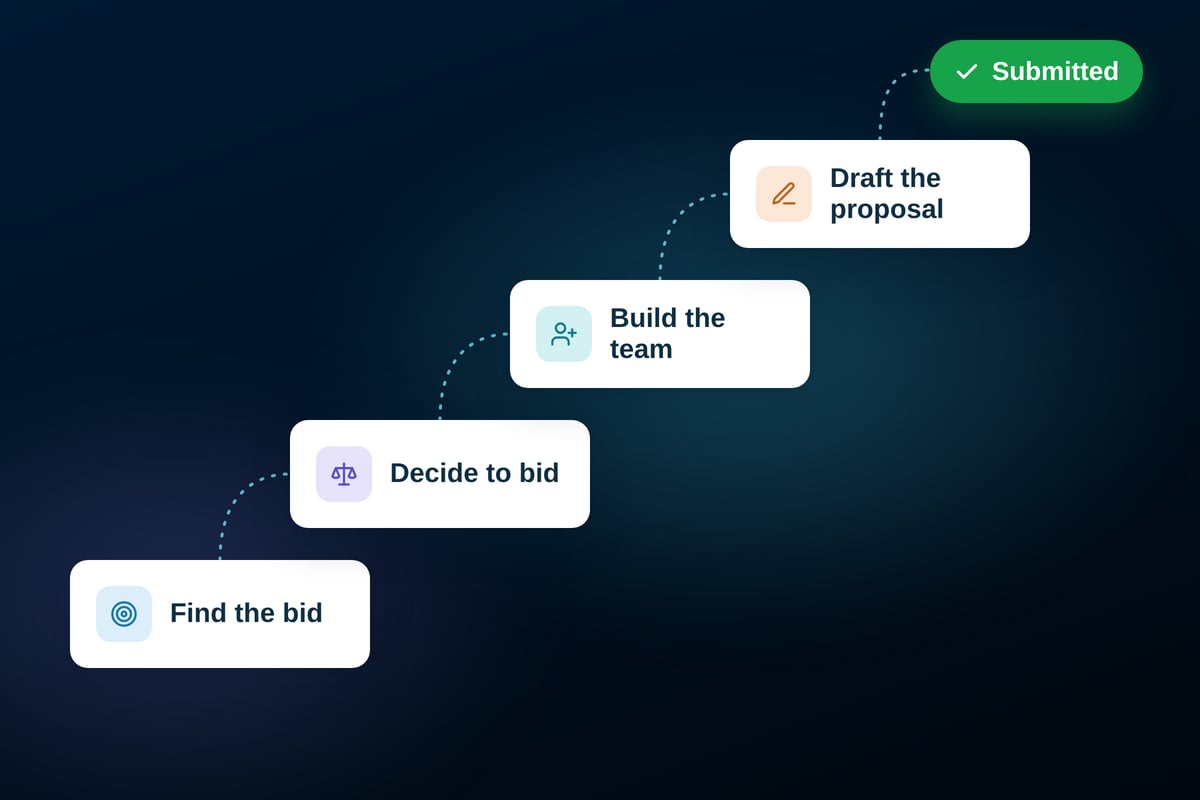
What federal contractors do with GovTribe
Find opportunities and recompetes
Find bids, contract vehicle opportunities, forecasts, and recompetes, then rank matches by your capabilities, NAICS codes, and set-asides.
Set up automatic screening
Set up GovTribe AI to review new saved-search matches and sort them into pursue, partner, follow up, or pass.
Know the buyer and incumbent
Research who holds the work now, what the agency buys, and the contacts tied to its contracts.
Make bid/no-bid decisions
Weigh eligibility, past-performance fit, and competition, with evidence behind the recommendation.
Size up the competition
Run a black-hat review of likely bidders and develop a price-to-win estimate using available evidence.
Find teaming partners
Find likely primes and subs, post your interest, and message potential partners through the teaming network.
Build compliance matrices
Turn solicitation requirements and evaluation factors into an editable Excel matrix and a proposal outline.
Draft responses
Use your files and past performance to draft RFI responses, capability statements, and cover letters.
Keep pursuits moving
Track pursuits and tasks, review amendments, and prepare capture briefings for your team.
02 / State and local contractors
Find and respond to state and local bids
Search public bids, compare past awards and prices, and prepare your response.
Try asking GovTribe AI
“Find open [service] bids in [state], with deadlines and source links.”
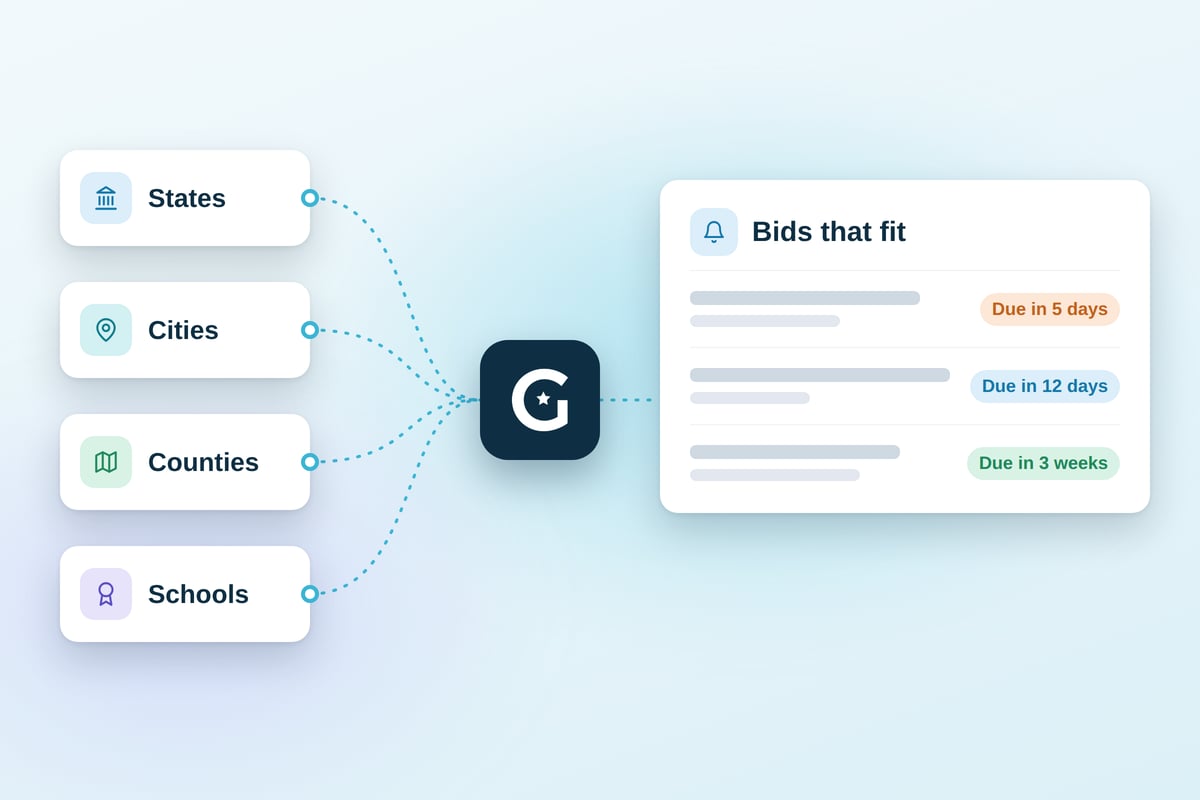
What state and local contractors do with GovTribe
Find bids in one place
Search state, local, and education bids with keywords or plain language, rather than checking each portal separately.
Get alerts and screen matches
Set up saved-search alerts and AI screening, then track promising bids in your pipeline.
Break down an RFP
Have GovTribe AI pull scope, requirements, evaluation criteria, and deadlines into a prep checklist.
See who won before
Research available state and local awards and the vendors that won them.
Use past prices
Review reported prices for similar purchases to help inform your quote.
Prepare your response
Build a compliance matrix, draft response materials, and review amendments before submitting.
03 / Researchers and consultants
Research government markets faster
Explore government spending, buyers, and vendors, then turn findings into sourced reports.
Try asking GovTribe AI
“How much has [agency] awarded for [service] in the past three years? Cite sources.”
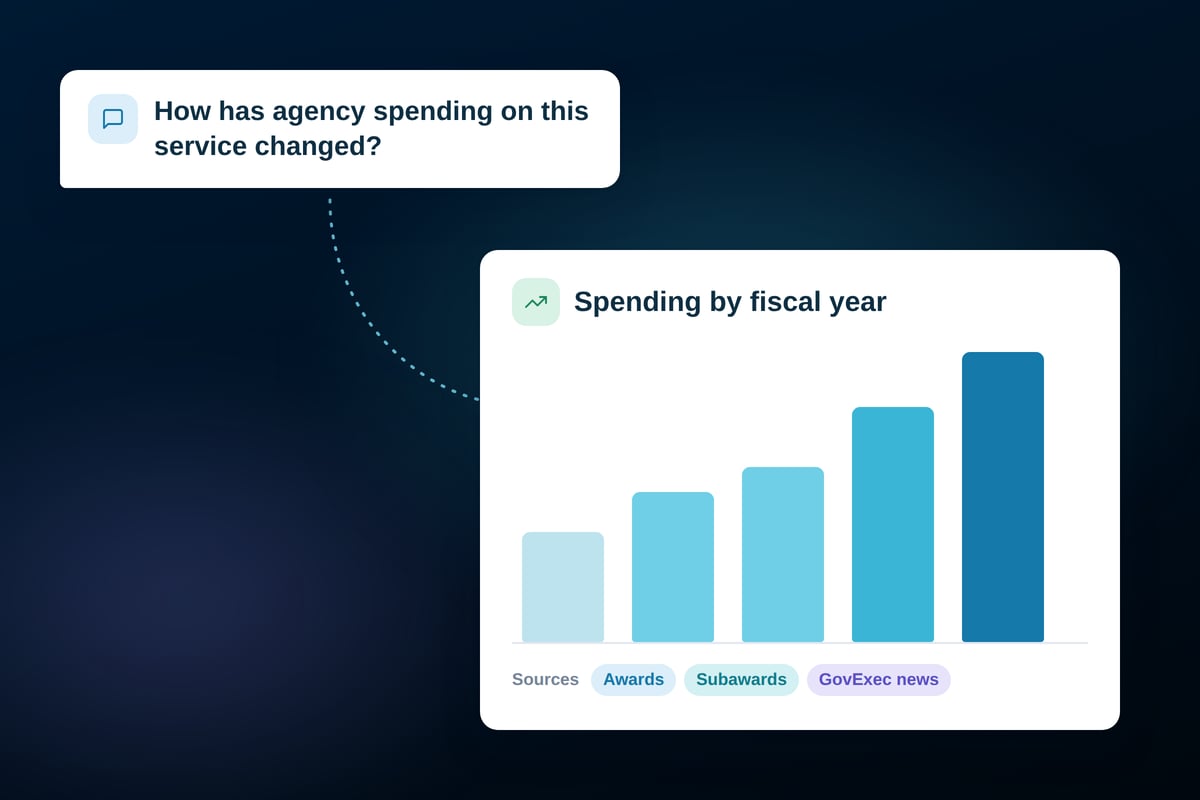
What researchers and consultants do with GovTribe
Analyze a market
Map spending, buyers, vendors, and contract vehicles in a defined market.
Get sourced briefings
Research agencies, companies, and opportunities using GovTribe records and GovExec journalism.
Spot funding trends
Compare funding and award trends to see which buyers and vendors are becoming more active.
Follow the subcontracts
Explore reported subawards to see which primes work with which subcontractors.
Research grants and programs
Find federal grant opportunities and research the programs behind them, along with major defense programs.
Deliver reports and data
Create briefings, reports, and presentations, or export data for further analysis.
04 / Government agencies
Research vendors and past purchases
Research potential vendors, compare past purchases, and prepare a sourced market briefing.
Try asking GovTribe AI
“Which vendors have performed [service] for federal agencies? Include supporting award records.”

What government agencies do with GovTribe
Research purchasing trends
See how agencies buy a product or service and how purchasing has changed over time.
Identify potential vendors
Review vendors’ relevant awards, customers, contract vehicles, and available certifications.
Find comparable purchases
Compare available award histories, contract values, vendors, and buying approaches.
Explore contract vehicles
See which contract vehicles agencies use for similar work and which vendors hold them.
Benchmark labor rates
Use GSA Schedule labor rates and BLS wage benchmarks to inform planning for the roles you need.
Prepare briefings
Turn findings into a sourced market research briefing, with open questions and data gaps flagged.
For every team
More ways to get work done
Tools every team can use, whatever the work.
Work with GovTribe AI
Ask questions, get daily briefings, and set up automations for recurring research and follow-up.
Connect your AI with MCP
Bring GovTribe data into ChatGPT, Claude, Microsoft 365 Copilot, and other AI tools that support MCP.
Use your own files
Connect Google and Microsoft files, then create and edit working documents with AI.
Connect other tools with Zapier
Send GovTribe updates to your CRM, Slack, and thousands of other apps.
See GovTribe in action.
Start a free trial, or book a demo tailored to your work.