Everything you need to know about GovTribe credits,
from what's included to how to use them.
GovTribe credits let you do more with AI, from researching contract opportunities to automating everyday govcon work.
And here's something you might not know: credits are already included in our current GovTribe plans.
Whether you're trying AI for the first time or using it across your team, you can choose how much to use and keep track of where your credits go.
Here's how it all works.
How many credits do you get?
Your GovTribe subscription gives you access to the platform, and credits help power advanced AI features. Our current plans include an annual credit allowance for each seat.
GOVTRIBE
5,000
Credits per seat, per year
GOVTRIBE PRO
10,000
Credits per seat, per year
For example, a team with three GovTribe Pro seats receives 30,000 credits annually.
NEW TO GOVTRIBE?
Every eligible free trial includes 2,000 credits, so you can try GovTribe AI before committing to a subscription.
If you're on a legacy plan, your credit allowance may differ. Check your account for your current balance.
What uses GovTribe credits?
Credits are used for certain advanced AI tasks. There are three main ways to put them to work.
01 / GOVTRIBE AI
Research, analyze, and create
Use GovTribe AI to research opportunities, evaluate competitors, analyze documents, and work on capture or proposal tasks.
02 / MCP
Bring GovTribe into other AI tools
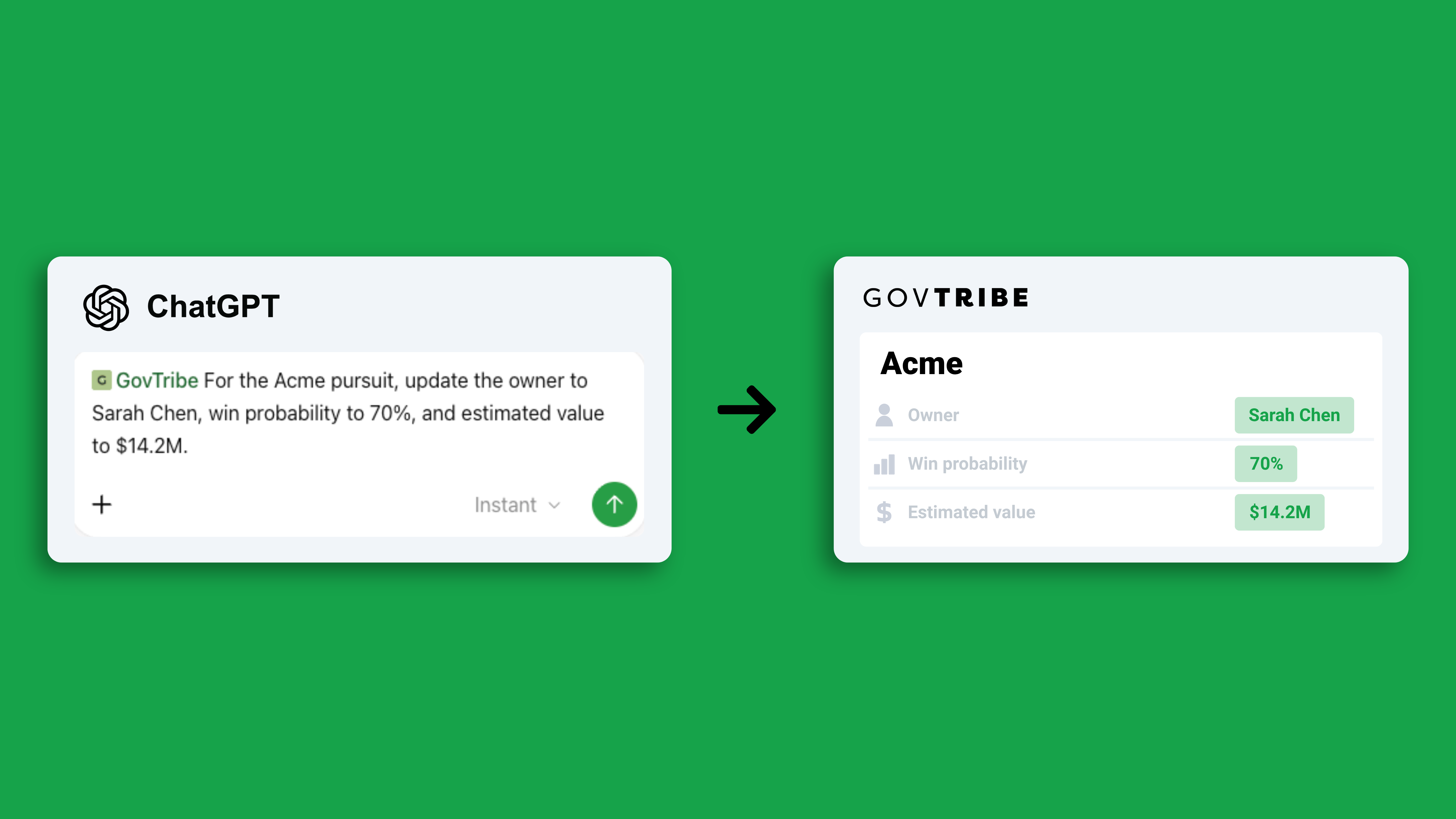
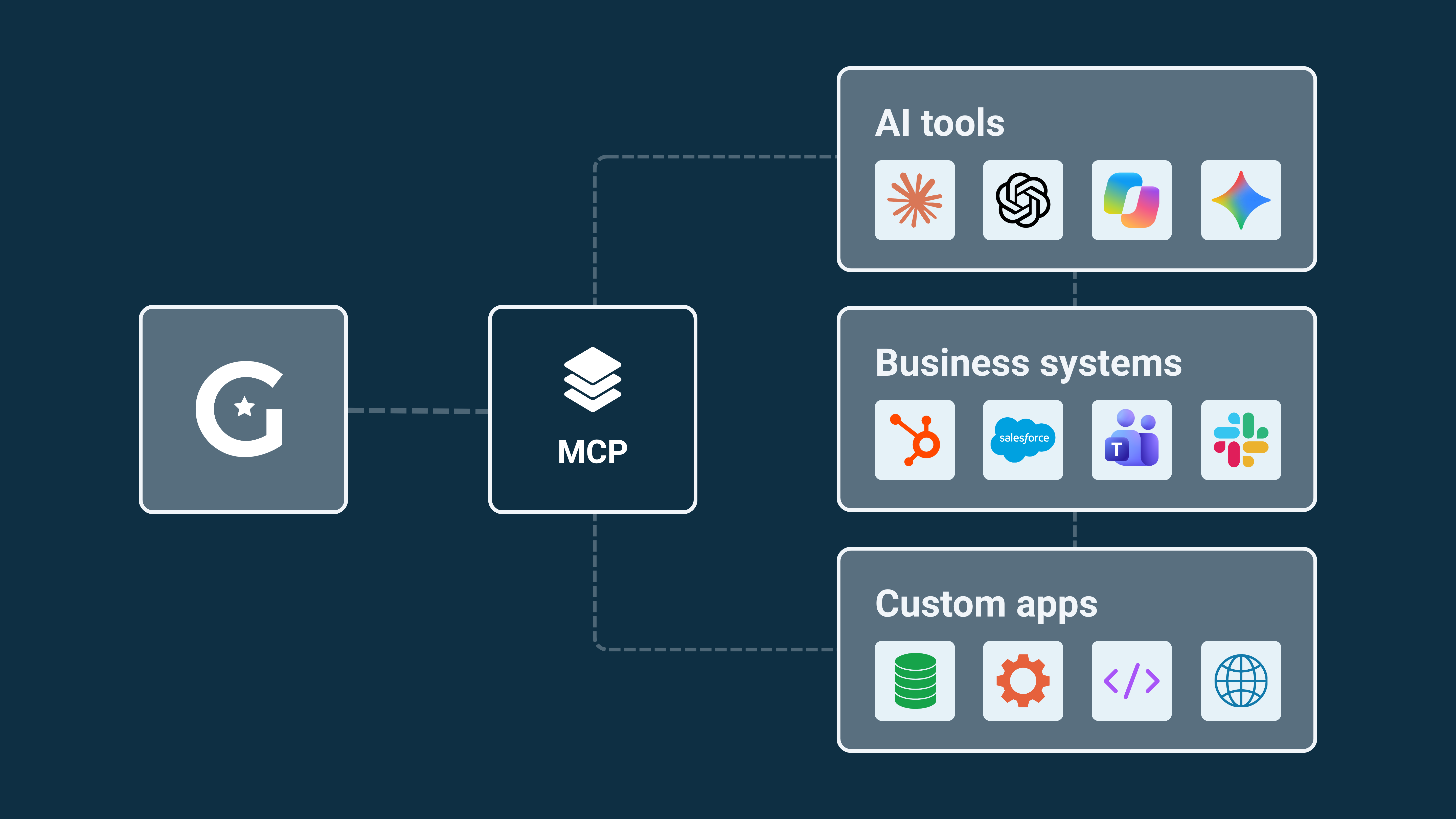
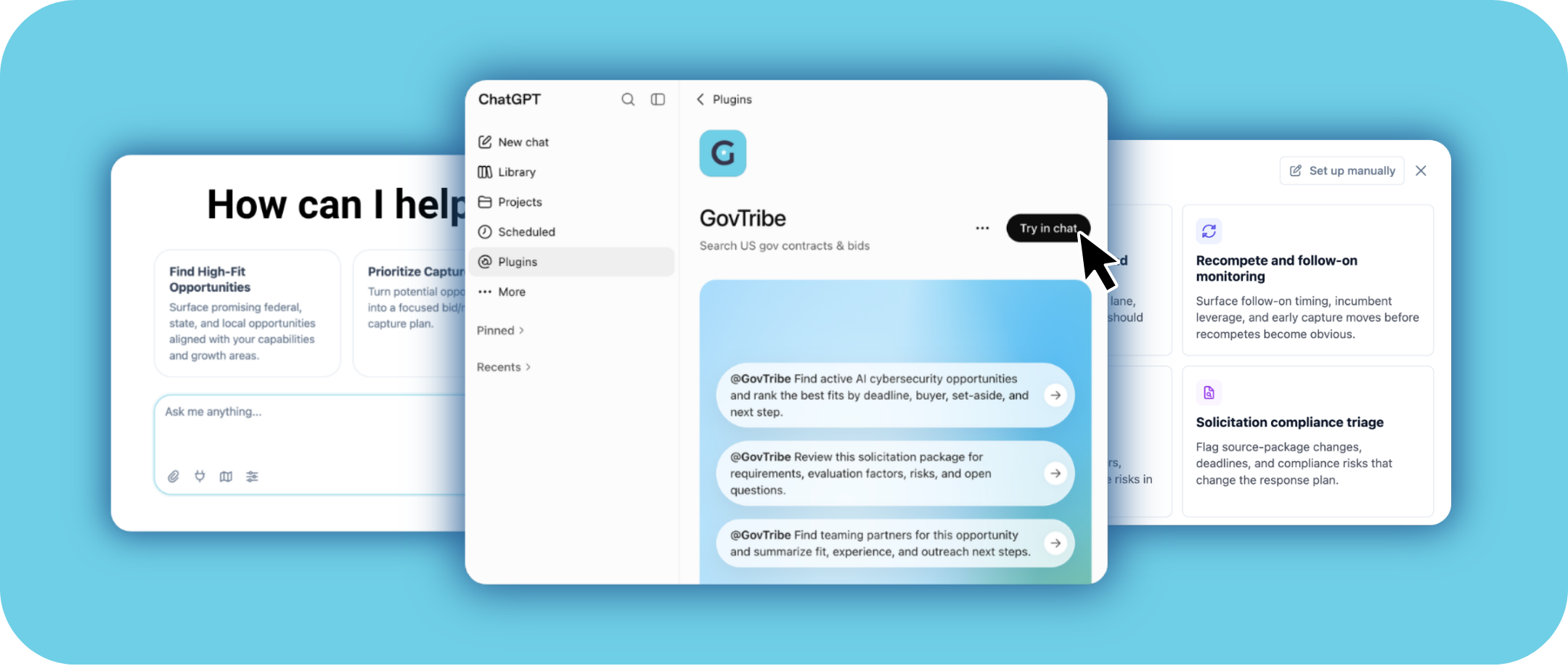
Connect GovTribe to compatible AI assistants, such as ChatGPT or Claude, and use GovTribe data within your existing workflows.
03 / AUTOMATIONS
Let AI handle repeatable work
Automate tasks like monitoring opportunities, researching markets, and supporting your business development pipeline.
WHAT DOESN'T USE CREDITS?
AI chats in the GovTribe User Guide are free. You can ask the User Guide's AI chatbot questions to learn how to use the platform, and these conversations won't use any of your GovTribe credits.
How many credits a task uses depends on the work involved. A simple search may use fewer credits than a request that analyzes multiple documents or performs several steps.
View the credit consumption table →
What if you need more credits?
If you use all your included credits, GovTribe offers ways to purchase additional credits based on how your team uses AI.
FOR REGULAR USAGE
Prepaid credit packs
Buy credits ahead of time. Packs can lower your cost per credit, and auto-refill can help keep your team working.
FOR FLEXIBLE USAGE
Pay-As-You-Go
Pay for additional usage as needed, subject to your account's billing settings and spending limits.
Buying additional credits doesn't change your GovTribe subscription.
Explore plans and credit options →
How to manage your credits
You can check your credit balance, review usage, and manage account-level credit settings in one place.
STEP 01
Open Settings
Open your user menu and select Settings.
STEP 02
Go to Credits & usage
Under Account, select Credits & usage.
STEP 03
Review or update your settings
Use Overview, Usage, Buy credits, and Settings to see your balance, review activity, and manage available controls.
MANAGING A TEAM?
Account Owners and Account Administrators can manage account-level credit controls, including purchasing and usage settings.
How to make your credits go further
A little planning can help you get more value from each credit. Here are four simple ways to start.
01 / BE SPECIFIC
Start with a clear request
Tell AI what you're trying to accomplish, what matters most, and what kind of output you need.
02 / USE SKILLS
Choose a built-in GovTribe AI skill
Skills can help guide common govcon tasks, so you spend less time figuring out how to structure your request.
03 / STAY FOCUSED
Give AI only what it needs
Include the relevant files and context, and ask AI to focus on the most important sources or results.
04 / CHECK USAGE
See where your credits go
Review your usage regularly to understand which workflows use the most credits and where you can make adjustments.
Frequently asked questions
Do I need credits to use GovTribe?
No. Your subscription includes access to the platform's core features. Credits are used for certain advanced AI-powered tasks.
Are credits included with my subscription?
Yes. Current GovTribe plans include annual credits per seat: 5,000 for GovTribe and 10,000 for GovTribe Pro. Legacy plans may have different allowances.
Can I try AI before buying credits?
Yes. Eligible GovTribe free trials include 2,000 credits to explore AI-powered features.
Who can manage credits?
Account Owners and Account Administrators can manage account-level credit settings, purchasing options, and applicable usage controls.
What happens when I run out of credits?
You can purchase additional credits or use Pay-As-You-Go if your account is eligible and configured for it. Otherwise, credit-powered activities may pause until more credits are available.
Will buying credits change my subscription?
No. Your subscription plan and credit purchases are managed separately.
Where can I see how many credits I've used?
Open Settings, then go to Account → Credits & usage. You can review your balance and available usage details there.
Ready to get started?
Start a free trial today, no credit card required.
Start free trial →Get 2,000 free credits with your trial.
Keep exploring